1.1 OUR SETUP
For this beginners level tutorial we will model a parametric coffee cup, to get a feel of how this all works.
We will set up the following requirements for our model:
- Height needs to be adjustable
- Diameter adjustable
- Wall thickness adjustable
- Wall angle adjustable
1.2 CREATE A PART
Using your chosen CAD software, create a new part and save it as coffee_cup or whatever you’d like. This is the file we will be working within from now on.
1.3 INPUTTING PARAMETERS
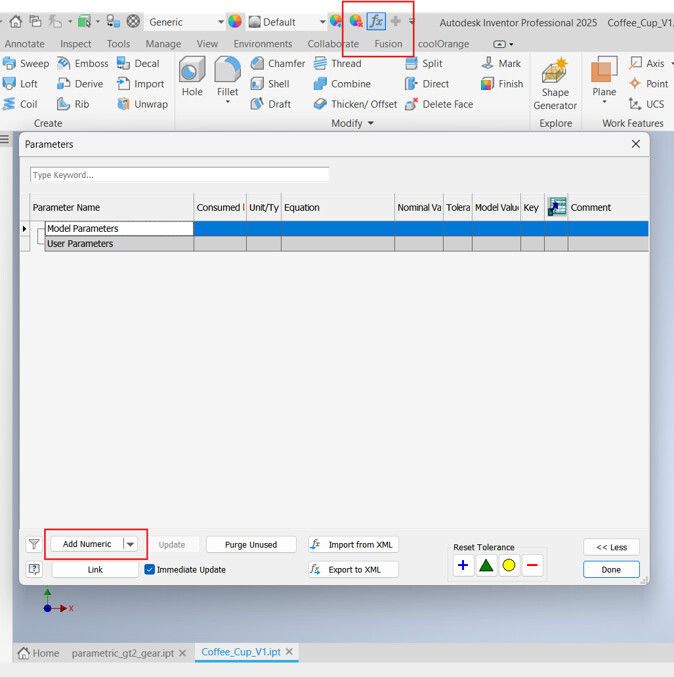
In Inventor which I am using, the parameters tab is located at the top of the program. Then I will press “add numeric” to add a numeric parameter.
For solidworks: look up “Equations” in the search tab. You can drag it into your toolbar as well for easier future access. 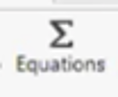
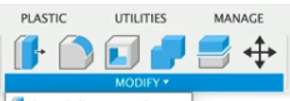
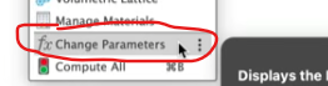
For fusion360: Go to modify dropdown menu → change parameters
Now we will add our parameters. Lets use the following values for our starting point:
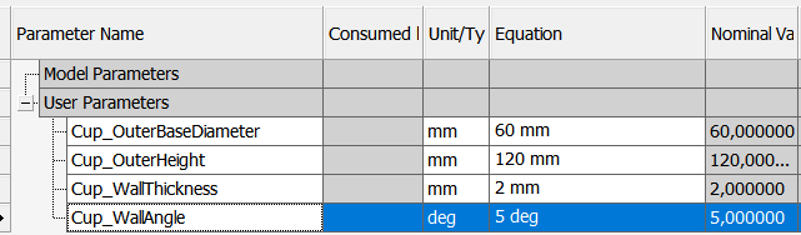
Remember to set the units correctly so your software knows what kind of value you are inputting.
1.4 MODELING THE PART
Okay we are now ready to start making the actual cup. To start out, lets create a new sketch. I will make my sketch on the XY plane.
This allows us to do a neat trick to model our part a bit easier and quicker. What we are going to do, is to sketch half of our cup and revolve it around its center axis.
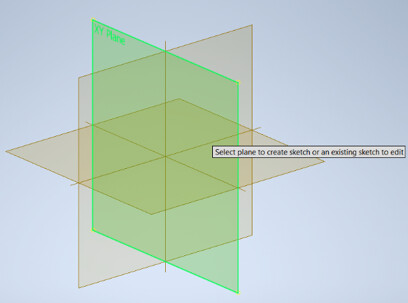
When your sketch is opened up, lets start drawing. I have made this into a video so that it is a bit easier to follow.
Please note that I make two mistakes here, which I do fix in the video.
But just watch the video first before trying yourself, if you don’t want to have to go back to make two small fixes. The first mistake is that I type in diameter of the cup, as a radius. This happened because I made a dimension of just the line itself, instead of the line in relation to the centerline.
The other mistake is that the WallAngle should be 90 degrees + whatever angle you want.
And now we have a fully parametric cup!
Note: If some tools don’t seem to be present in your software, then try to google what the corresponding one is from Inventor to your specific software.